Job Management App for Sole Traders UK 2026: Top Picks
Navigating the complexities of running a trades business as a sole trader in the UK requires more than just skill with your tools. You need a robust system to manage jobs, clients, and finances. In 2026, a dedicated job management app is no longer a luxury; it's a necessity. This guide explores the best job management apps for sole traders in the UK, helping you streamline your operations and boost your bottom line.
Why Sole Traders Need a Job Management App
As a sole trader, you're responsible for everything, from securing leads and quoting jobs to completing the work and chasing invoices. Without a structured system, it’s easy to become overwhelmed, leading to missed opportunities, inaccurate billing, and stressed-out clients. A good job management app can automate many of these tasks, freeing up your time to focus on what you do best: providing quality trades services.
* Improved Organisation: Keep all job details, client information, and communication in one central location.
* Streamlined Scheduling: Efficiently manage your schedule and avoid double-booking.
* Professional Invoicing: Create and send professional invoices quickly, improving cash flow.
* Accurate Quoting: Generate accurate and detailed quotes to win more business.
* Enhanced Communication: Keep clients informed and manage expectations effectively.
* Reduced Paperwork: Eliminate paper-based systems and go digital.
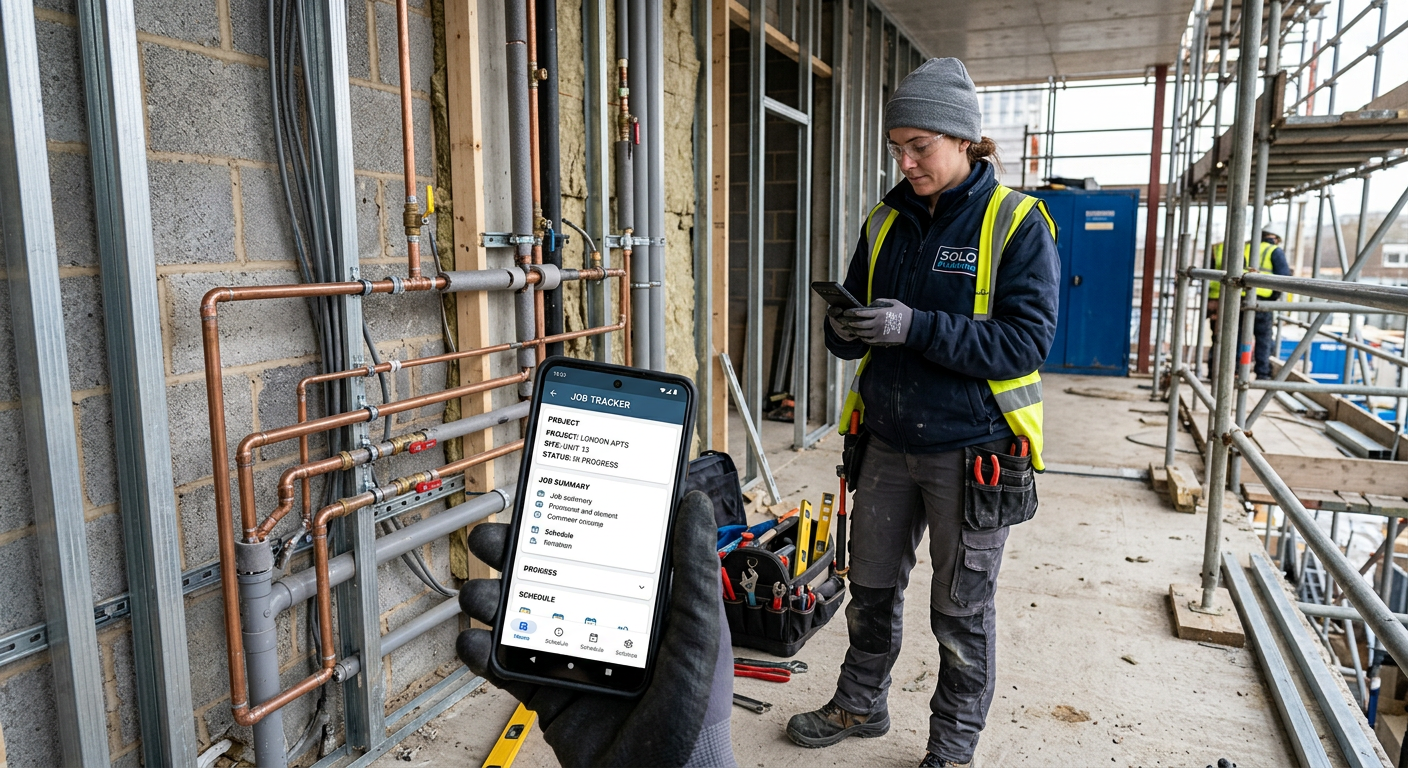
Key Features to Look for in a Job Management App
When choosing a job management app, consider these essential features:
- Quoting and Estimating: The ability to create professional, detailed quotes quickly and easily. Look for features like pre-built material lists and labour rate calculations. You'll want quote software that saves you time and gets the job done.
- Scheduling and Dispatch: A user-friendly calendar and scheduling system that allows you to visualise your workload and efficiently dispatch jobs to yourself or subcontractors (if you use them). Ensure the scheduling app integrates with your calendar.
- Invoicing and Payments: Seamless invoicing capabilities with options for sending invoices via email and accepting online payments. Integration with accounting software is a major plus.
- Customer Management: A dedicated CRM (Customer Relationship Management) module to store client details, track communication history, and manage leads. TradeFlow helps you manage all your customer interactions in one place.
- Job Tracking: Real-time tracking of job progress, including tasks completed, materials used, and time spent.
- Mobile Accessibility: A mobile app that allows you to access and manage your business from anywhere, even when you're on the job site.
- Reporting and Analytics: Insights into your business performance, including revenue, expenses, and profit margins.
Tip:
Before committing to a paid plan, take advantage of free trials or demos to test out different apps and see which one best fits your specific needs.
Top Job Management Apps for UK Sole Traders in 2026
Here are some of the top contenders for job management apps tailored to UK sole traders in 2026. Note that pricing and features may have been updated since this article was published. Always check the app's website for the most up-to-date information.
* TradeFlow: (Of course, we're a bit biased!) Offers a comprehensive suite of features, including quoting, scheduling, invoicing, customer management, and job tracking. TradeFlow is specifically designed for UK tradespeople and integrates seamlessly with popular accounting software like Xero and QuickBooks. Consider our AI phone answering solution to reduce the amount of time you spend on the phone.
* Jobber: A popular choice for trades businesses of all sizes, Jobber offers a wide range of features, including online booking, automated reminders, and payment processing.
* Housecall Pro: Known for its robust features and user-friendly interface, Housecall Pro offers everything from online booking to customer communication and payment processing.
* Fieldwire: While primarily designed for larger construction projects, Fieldwire can also be a valuable tool for sole traders who need to manage complex jobs with multiple stakeholders.
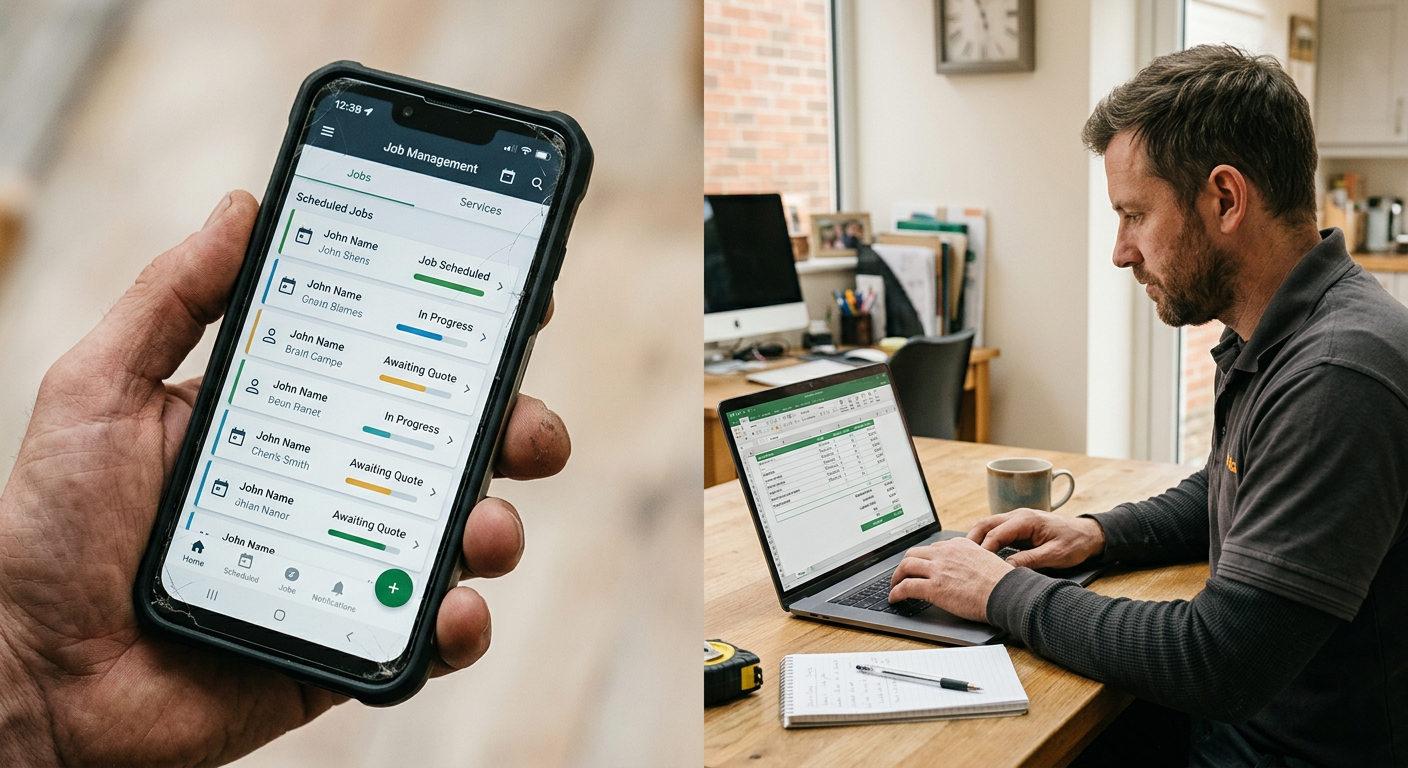
Comparing the Apps: A Quick Overview
| Feature | TradeFlow | Jobber | Housecall Pro | Fieldwire |
|---|---|---|---|---|
| Quoting | Yes, with customisable templates | Yes, with online quote acceptance | Yes, with estimate builder | Yes, with version control |
| Scheduling | Yes, drag-and-drop calendar | Yes, with automated scheduling | Yes, with GPS tracking | Yes, with task assignment |
| Invoicing | Yes, with online payment integration | Yes, with recurring invoices | Yes, with automatic invoice generation | No direct invoicing, but integrates with some |
| Customer Management | Yes, comprehensive CRM | Yes, basic CRM features | Yes, robust customer profiles | Limited CRM features |
| Mobile App | Yes, iOS and Android | Yes, iOS and Android | Yes, iOS and Android | Yes, iOS and Android |
| Pricing | Varies based on plan; check website | Varies based on plan; check website | Varies based on plan; check website | Free for small teams; paid plans for larger |
Did you know?
According to a recent survey, UK tradespeople who use job management apps report a 20% increase in efficiency and a 15% increase in revenue.
Setting Up Your Job Management App: A Step-by-Step Guide
Once you've chosen an app, follow these steps to get it up and running:
- Create an Account: Sign up for a free trial or paid plan on the app's website.
- Configure Your Settings: Set up your business details, payment preferences, and notification settings.
- Import Your Data: Import your existing customer data from spreadsheets or other sources.
- Customise Your Templates: Create custom quote and invoice templates to reflect your brand.
- Integrate with Other Tools: Connect your job management app with your accounting software, calendar, and other relevant tools.
- Train Yourself and Your Team (if applicable): Familiarise yourself with the app's features and functionality.
- Start Using the App: Begin managing your jobs, clients, and finances through the app.
Maximising Your ROI with a Job Management App
To get the most out of your job management app, consider these tips:
* Use All the Features: Explore all the app's features and functionalities to see how they can benefit your business.
* Automate Repetitive Tasks: Automate tasks like sending reminders and generating invoices to save time and reduce errors.
* Track Your Performance: Monitor your business performance using the app's reporting and analytics features.
* Get Feedback from Clients: Use the app to solicit feedback from clients and identify areas for improvement.
* Stay Up-to-Date: Keep your app updated with the latest versions to ensure you have access to the newest features and security updates.
Conclusion
For UK sole trader tradespeople in 2026, a job management app is an indispensable tool for streamlining operations, improving efficiency, and boosting profitability. By carefully evaluating your needs and choosing the right app, you can transform your business and achieve greater success. Don't forget to consider your online presence with a professional website and ensure you are managing your time effectively with the tips discussed above. Managing your online presence through social media management can also help your business succeed.
Ready to take control of your business? TradeFlow offers a comprehensive job management solution designed specifically for UK tradespeople. Sign up for a free trial today and experience the difference!